📢 Disclosure: Some links on this page are affiliate links. As an Amazon Associate, I earn from qualifying purchases at no extra cost to you. Thanks for your support.
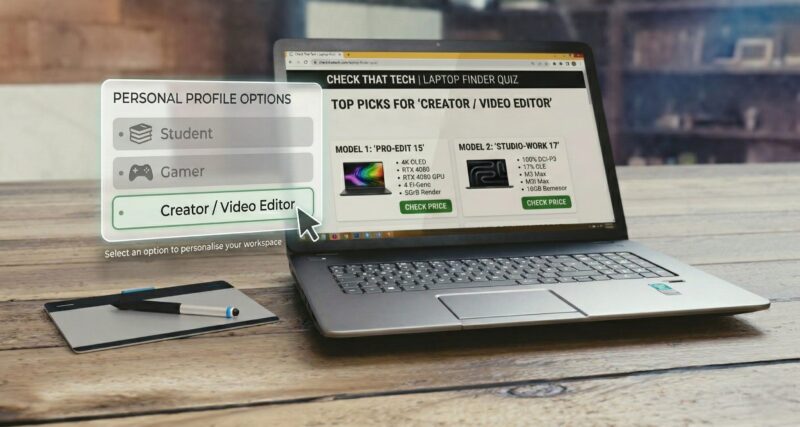
Try our quick and easy laptop finder quiz to find the best laptop recommendations:
Which feature matters most to you?
What is your preferred Software Ecosystem / OS?
Do you prefer high performance or balanced specs?
/
Please provide the following information to see results
Email Address
Check Answers
Your Result:
Sorry, no results found.
Please repeat the quiz and try different answer combinations.
Top Gaming Laptops
Based on your answers, a laptop that's best for gamers and creatives is recommended:
The MSI Thin blends portability, style and efficiency with solid entry-level gaming power, making it a great pick for students and casual gamers alike. We think this is one of the best budget gaming options because it's packed with an RTX 3050 GPU and a 13th gen I5 processor, allowing users to play games, edit videos and do more with your laptop. This model also features one of my favorite feeling keyboards with large buttons but without the numpad. But do keep in mind, previous models have had issues with wear on the hinges.
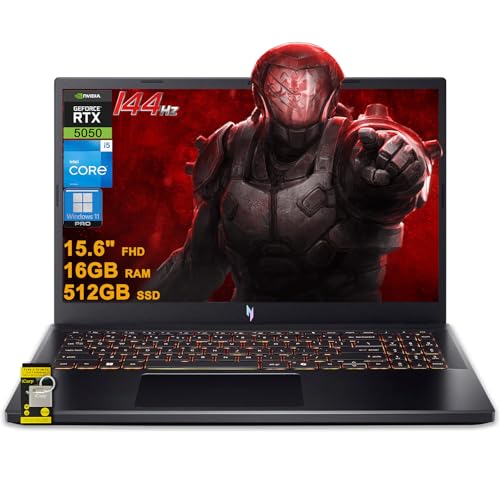
The Acer Nitro V 15 is an awesome mid-range gaming laptop that provides well-balanced specs, offering premium features like a 165Hz display panel and GDDR7 graphics power for a reasonable price.
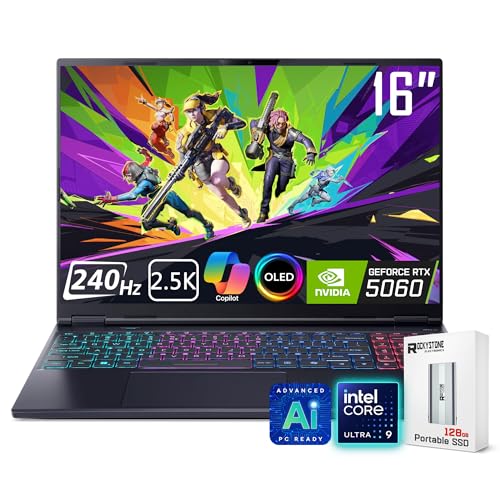
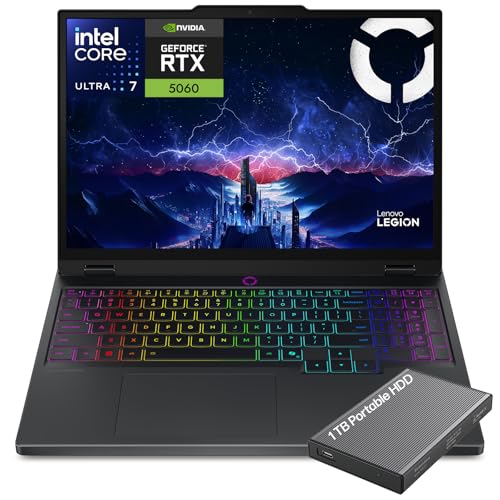
The Acer Predator Helios Neo 16S is the definitive premium recommendation for hardcore gamers and elite content creators. It doesn't miss out on display quality or processing horsepower and can handle high level gaming with fantastic OLED quality visuals.
Thermal Tip: Gaming laptops can pack massive power into tight spaces and can get incredibly hot during intense matches. To prevent thermal throttling and keep your frame rates stable, pairing your new rig with a cooling pad can be a game-changer:
Acer Nitro 5: A very good budget gaming laptop when paired with the RTX 3050/4050 that can deliver good performance for what it's worth.
Lenovo LOQ Gaming Laptop: This is one of the best budget gaming laptops available today. It has better build quality than Acer Nitro 5, decent thermals, and solid gaming performance. If you can afford an RTX 4050 or 4060 model, it’s a great long-term option. However, with the GTX 1650 it is still a great cheaper alternative for lighter gaming.
Lenovo Ideapad Gaming 3: Paired with the RTX 3050/4050, this is a good budget gaming laptop, especially if you’re looking for an affordable entry point into gaming. However, it doesn't have the best thermals and build quality.
If you want something with more GPU power, consider retaking the quiz and choosing the mid-range option.
The MacBook Neo is the quintessential choice for everyday users who want the premium macOS ecosystem experience, great portability, and robust AI features without paying Pro-level prices.
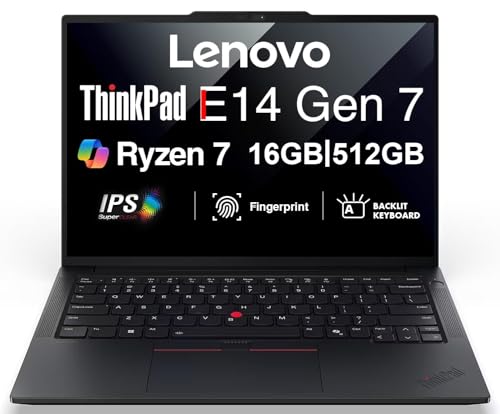
The ThinkPad E14 Gen 7 is an excellent classic choice recommendation, striking an unbeatable balance between rugged commercial-grade reliability, fast DDR5 memory multitasking capabilities, and strong day-to-day security. We think this laptop has one of the best keyboards on a laptop, and it still feels great even though it's in the E series.
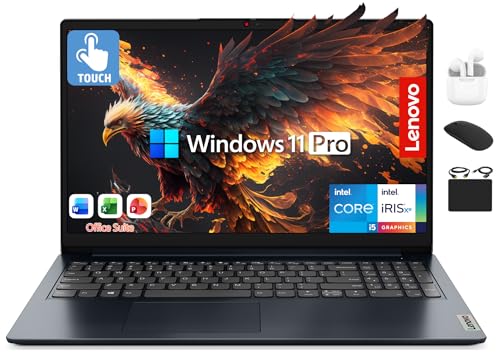
The Lenovo IdeaPad is a highly practical business choice, giving users a spacious 15.6-inch touchscreen work area, flexible dual-drive storage capabilities, and production-ready productivity software right out of the box.
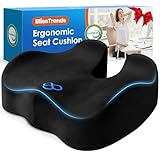
Ergonomic Tip: Sitting at a desk for long hours can take a toll on your lower back and posture. For better comfort and productivity, we recommend pairing your laptop with one of these seat cushions:
HP 14-Inch Laptop: When paired with the Intel Core i3/i5, this is a compact laptop designed for everyday tasks like web browsing, document editing, streaming, and light multitasking. It's a great option for people who just need a reliable device that can handle light tasks without spending too much.
ASUS Vivobook 15: This is a great laptop for everyday use, offering a good balance of performance for light tasks, portability, and affordability. It’s ideal for students, office workers, and casual users who need a reliable laptop for things like web browsing, document work, streaming, and light multitasking.
Acer Aspire 5: One of the best budget general-use laptops because it offers a good balance of performance, build quality, and affordability. You can get this with various processors, but when paired with the AMD Ryzen 5 5500U or Intel Core i5-1235U, it offers solid value.
The Lenovo Legion 5i is a supreme choice for video editors who need reliable performance on the go, providing content creators with an excellent mix of top-tier desktop-class rendering speeds, advanced cooling systems, and stunning OLED accuracy.
The MacBook Air M5 is an exceptional choice for creative professionals, giving designers, video editors, and creators top-tier performance, completely silent operation, and up to 18 hours of real-world battery life.
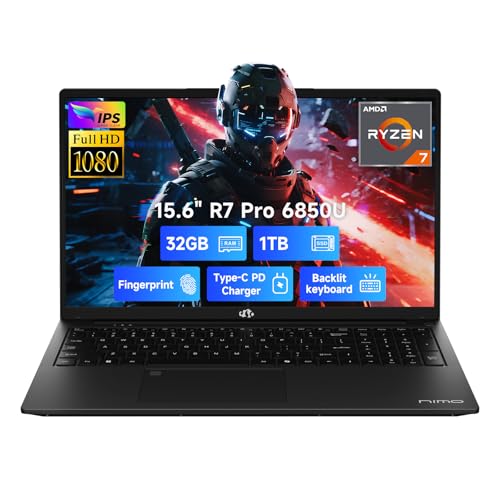
The NIMO laptop is great for content creators and professionals who need a good amount of multitasking memory and long battery life without a bulky gaming design. The Nimo laptop is a lesser known brand, and for that there comes some unfamiliar expectations but this model packs some generous components for its price. It's entry-level graphics also make it a suitable option for light gaming aswell.
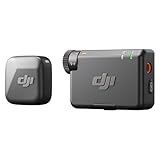
Creator Tip: Instead of relying on your phones mic for audio, we recommend upgrading your audio by pairing your editing rig with one of these wireless smartphone lavalier mics:
Acer Nitro V 15: Not only is this a good budget gaming laptop, it's also great for creative work because it offers a balanced blend of performance, display quality, and upgradeability, making it a strong contender for creatives seeking a cost-effective solution for their professional needs.
Dell Inspiron 14: This laptop offers a balance of performance, portability, and affordability, making it a viable option for creative work, especially when choosing the QHD+ variant.
Lenovo Ideapad Gaming 3: This is a decent budget laptop for creative work, especially for those needing a balance between gaming performance and content creation capabilities. While it's primarily a gaming laptop, its powerful hardware and upgradable components make it a strong option for budget-conscious creative professionals.
Acer Swift Go 14: The 14-inch OLED display provides a great resolution of 2880 x 1800 pixels and a 90Hz refresh rate. This combination delivers vibrant colors and sharp visuals, essential for tasks like photo and video editing. While it offers a compelling package for budget to mid-range option for creative work, including video editing with applications, users requiring intensive graphical performance might consider laptops equipped with dedicated GPUs for better efficiency
Note: Product specifications, images, and details may change as manufacturers update or release new models. Information is for reference only; please verify on the official product page before purchase.
It can be overwhelming looking for the right laptop that suits your needs. There are so many models and new varients on the market all the time, all selling different specs and features at different price ranges – and if you aren’t sure what the specs mean, it can get frustrating quickly. So, that’s why I’ve created the Laptop Finder Quiz – I try to regularly update the contents to show upto date laptop deals. To help bypass all of the confusion and help you find the best laptop to suit your needs without the hours of research.
After just a few quick questions, you’ll be matched with the recommended picks based on your preferences. And it’s completely free, so there’s nothing to lose here. Also, if you want updating on new releases and articles, make sure to subscribe to our newsletter.
How to Choose the Perfect Laptop in 2026
Taking our laptop finder quiz above is the fastest way to get a personalized recommendation, but if you want to know exactly why we recommend certain laptops over others, it helps to understand the hardware.
With so many different models, processors, and graphics cards on the market, figuring out what laptop you should buy can feel overwhelming. Here is a quick breakdown of how to pick a laptop that perfectly matches your daily needs and budget.
1. Identify Your Primary Use Case
The first question our “best laptop for me” quiz asks is about your daily routine. Laptops are generally divided into a few main categories:
The Everyday/Student User: If you are mostly browsing the web, watching YouTube, writing essays, or managing emails, you don’t need to spend thousands. Look for thin, lightweight laptops (often called Ultrabooks) that prioritize battery life. If you’re heading to campus, check out our full guide to the best laptops for students. Also, since many budget laptops have poor built-in cameras for remote lectures or meetings, you might want to pair it with one of the top-rated web cameras for laptops.
The Creative Professional: If your daily workflow involves heavy graphic design, 3D rendering, or video production, you need serious power. If you travel frequently, finding a machine that balances battery life, a color-accurate display, and a dedicated GPU is crucial. We highly recommend reading our deep-dive guide on the best laptop for video editing on the go to find the perfect mobile workstation.
The PC Gamer: Gaming laptops are thicker and heavier for a reason—they need advanced cooling systems to handle high refresh rates and heavy graphical loads. However, you don’t always have to spend a fortune; there are plenty of incredible best budget gaming laptops that can run modern AAA titles beautifully.
2. The Specs That Actually Matter
When you use a help me choose a laptop quiz, the algorithm is secretly calculating which of these internal specs fits your budget:
Processor (CPU): This is the brain of your computer. For everyday tasks, an Intel Core i5 or AMD Ryzen 5 is perfect. For heavy editing or gaming, you’ll want to step up to an i7, i9, Ryzen 7, or an Apple M-series chip.
Memory (RAM): RAM dictates how many apps or browser tabs you can have open at once without your computer lagging. In 2026, 16GB of RAM is typically the minimum we recommend for a smooth experience. If you edit 4K video, aim for 32GB.
Storage (SSD): Always ensure your new laptop has a Solid State Drive (SSD). 512GB is a great starting point, but 1TB is highly recommended if you plan on downloading modern games or storing large video files.
Graphics (GPU): Most everyday laptops use “integrated graphics,” which is fine for basic tasks. If you are editing video or gaming, you need a “dedicated GPU” (like an Nvidia RTX card).
Pro-Tip: If you find a laptop with the perfect specs but the screen feels too small for your workflow, you don’t need to buy a bigger, heavier laptop. You can easily expand your setup anywhere you go by picking up one of the best laptop screen extenders and portable monitors.
Why Use Our Laptop Finder Quiz?
Technology moves incredibly fast. What was considered a top-tier laptop two years ago might struggle with today’s software updates and AI tools. Instead of spending hours reading confusing spec sheets, our which laptop should I buy quiz cross-references your specific needs, budget, and use cases with the most up-to-date laptop models currently on the market.
Take the quiz at the top of the page to find your perfect match, and stop stressing over the spec sheets!
Combining a BSc in Computing and Business with a passion for digital productivity, Eamon A. has spent the last three years reviewing the latest tech innovations. From high-performance laptops to essential home office accessories, his in-depth comparisons focus on design and functionality, ensuring readers find the perfect tools for their setup.
Last update on 2026-06-12 / Affiliate links / Images from Amazon Product Advertising API